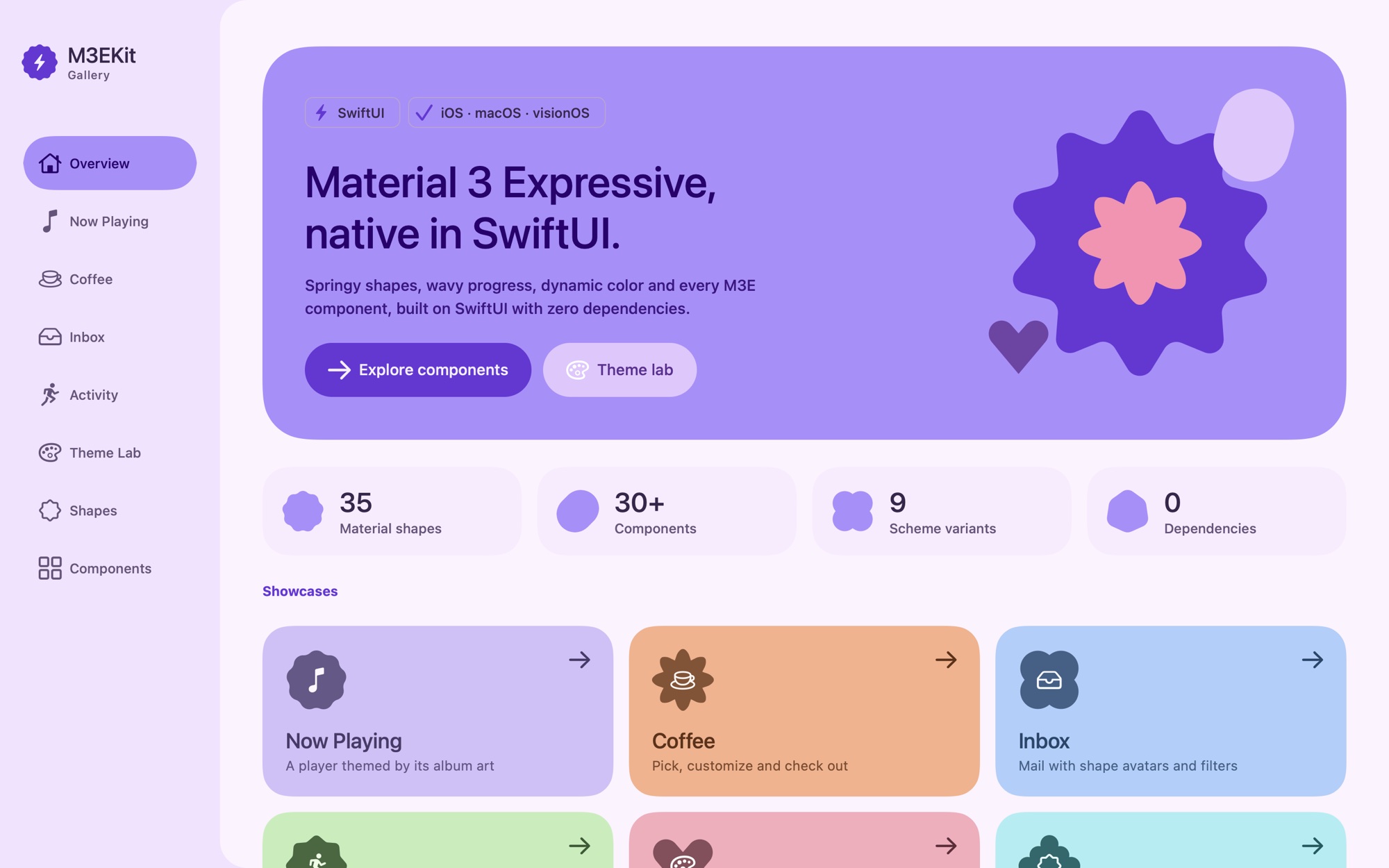
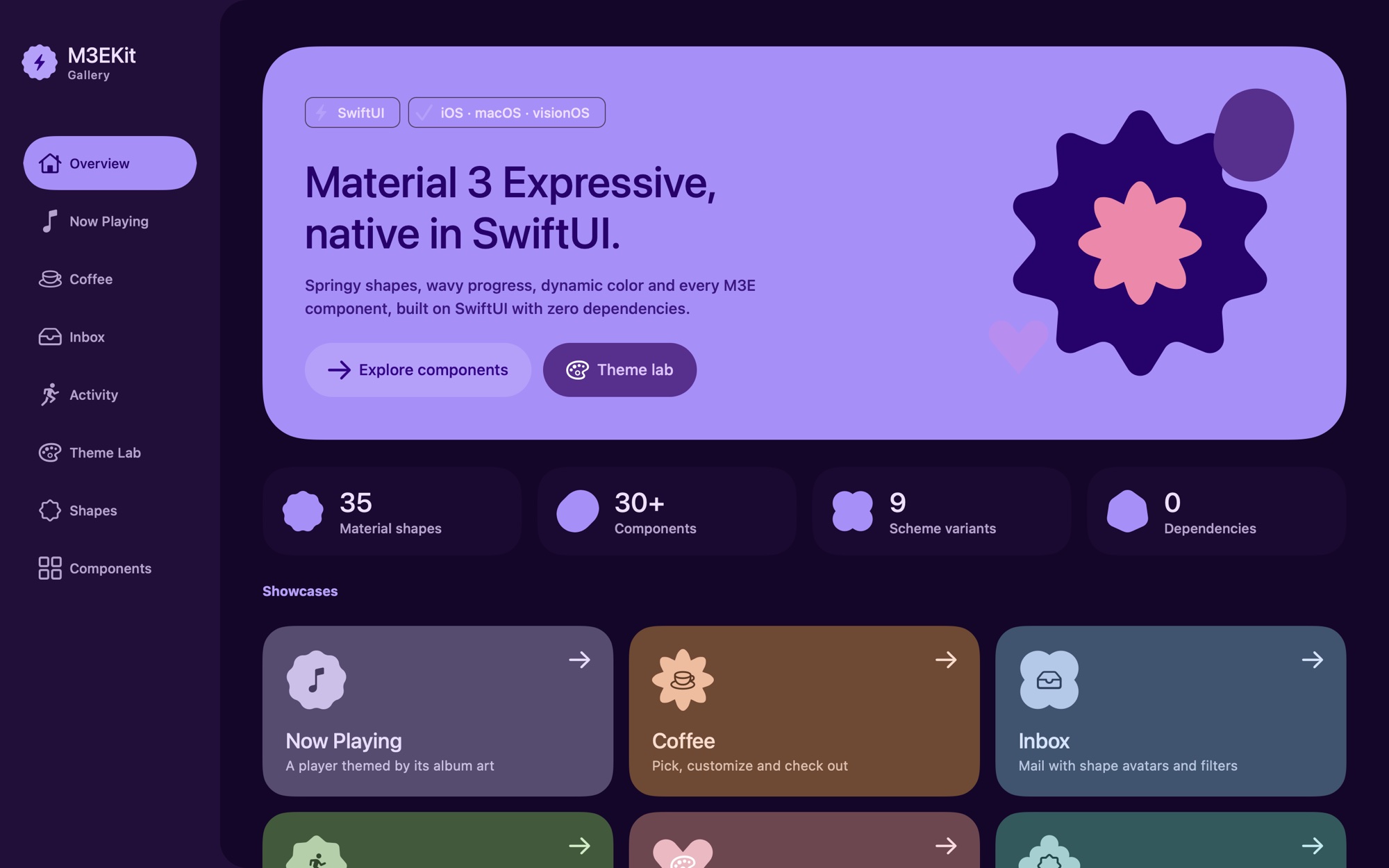
Native on
- iOS
- iPadOS
- macOS
- visionOS
.package(url: "https://github.com/m3ekit/m3ekit-swift", from: "0.1.0")Platforms
SwiftUI first.
Shapes
35 shapes that morph.
The full Material 3 Expressive shape library, generated from the same polygon math as Android. Any shape springs into any other. Use them for avatars, image masks, loaders and state.
Explore shapesComponents
Every expressive component.
Button
ActionsFive sizes, five styles, round or square, with the spring shape morph on press.
Loading indicator
ProgressThe expressive loader: a shape morphing through the M3E sequence while it rotates.
Split button
ActionsA primary action plus a menu trigger that turns round and flips its chevron when open.
Wavy progress
ProgressLinear and circular progress with the expressive moving wave.
FAB menu
ActionsThe FAB morphs into a close button and related actions spring out above it.
Button group
ActionsConnected or standard groups for single or multi selection; selected items turn round.
In use
Built for real apps.
Now Playing
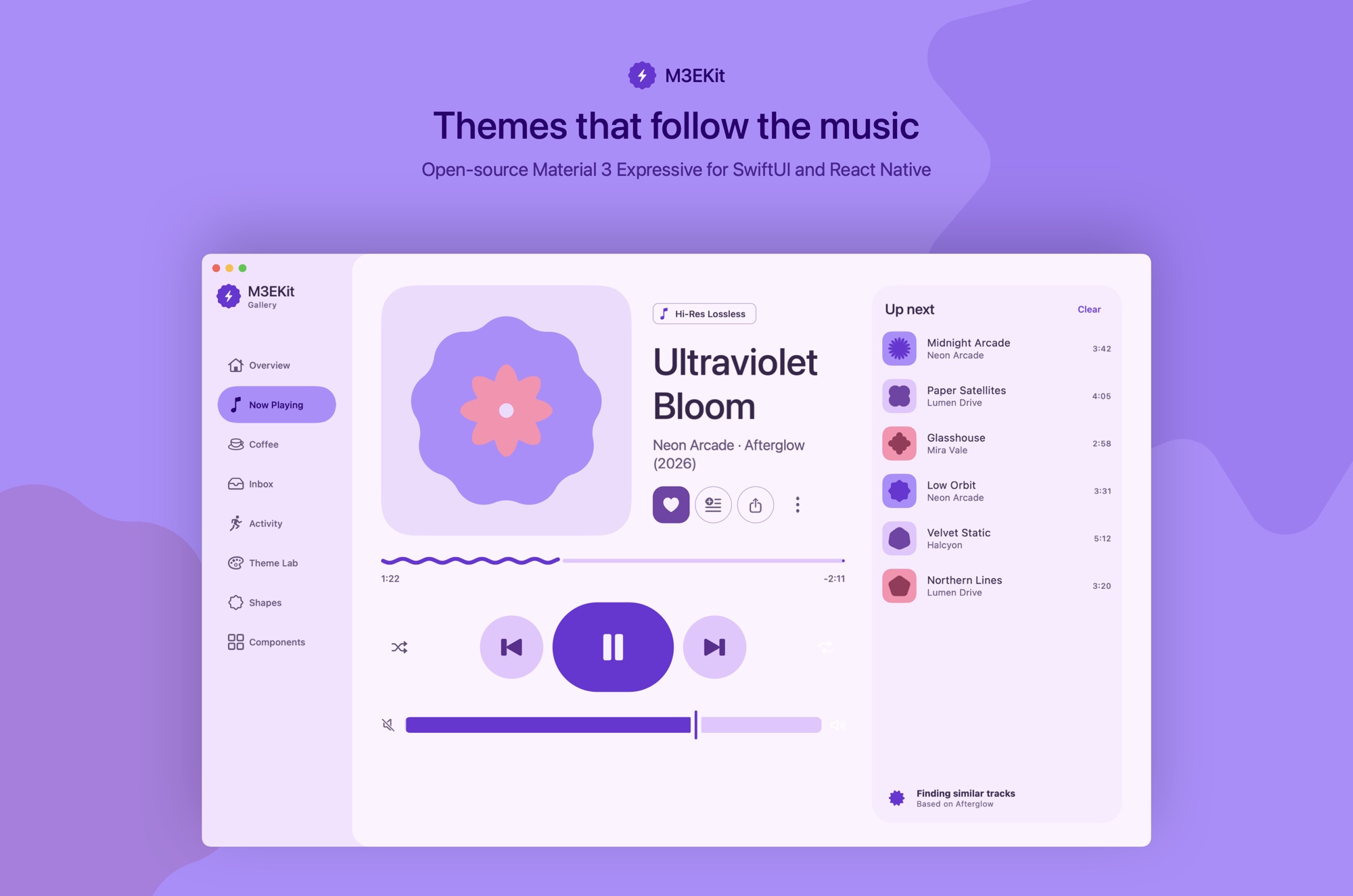
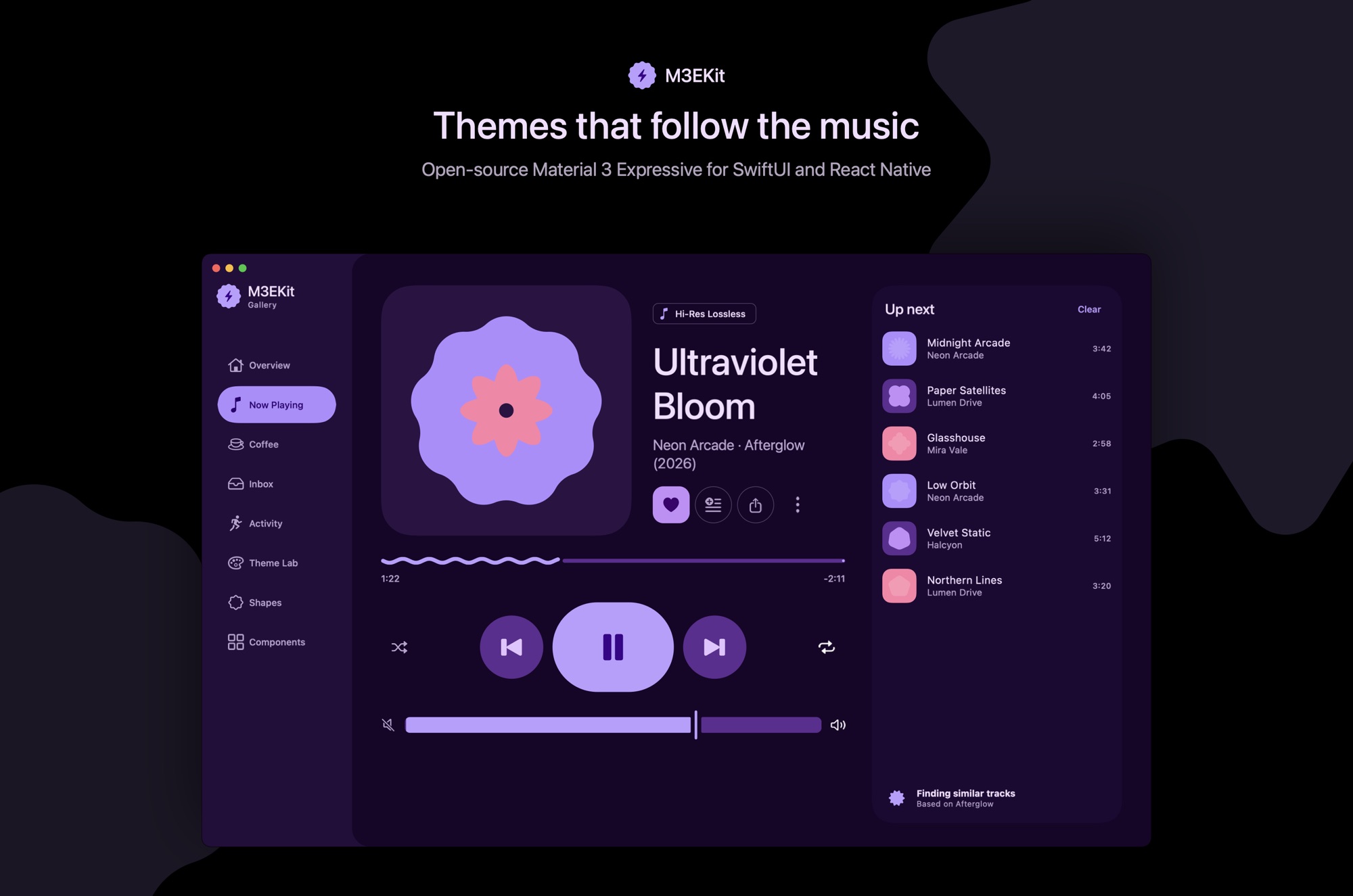
The whole scheme comes from the album art: wavy progress, a play button that morphs to a square, icon toggles.
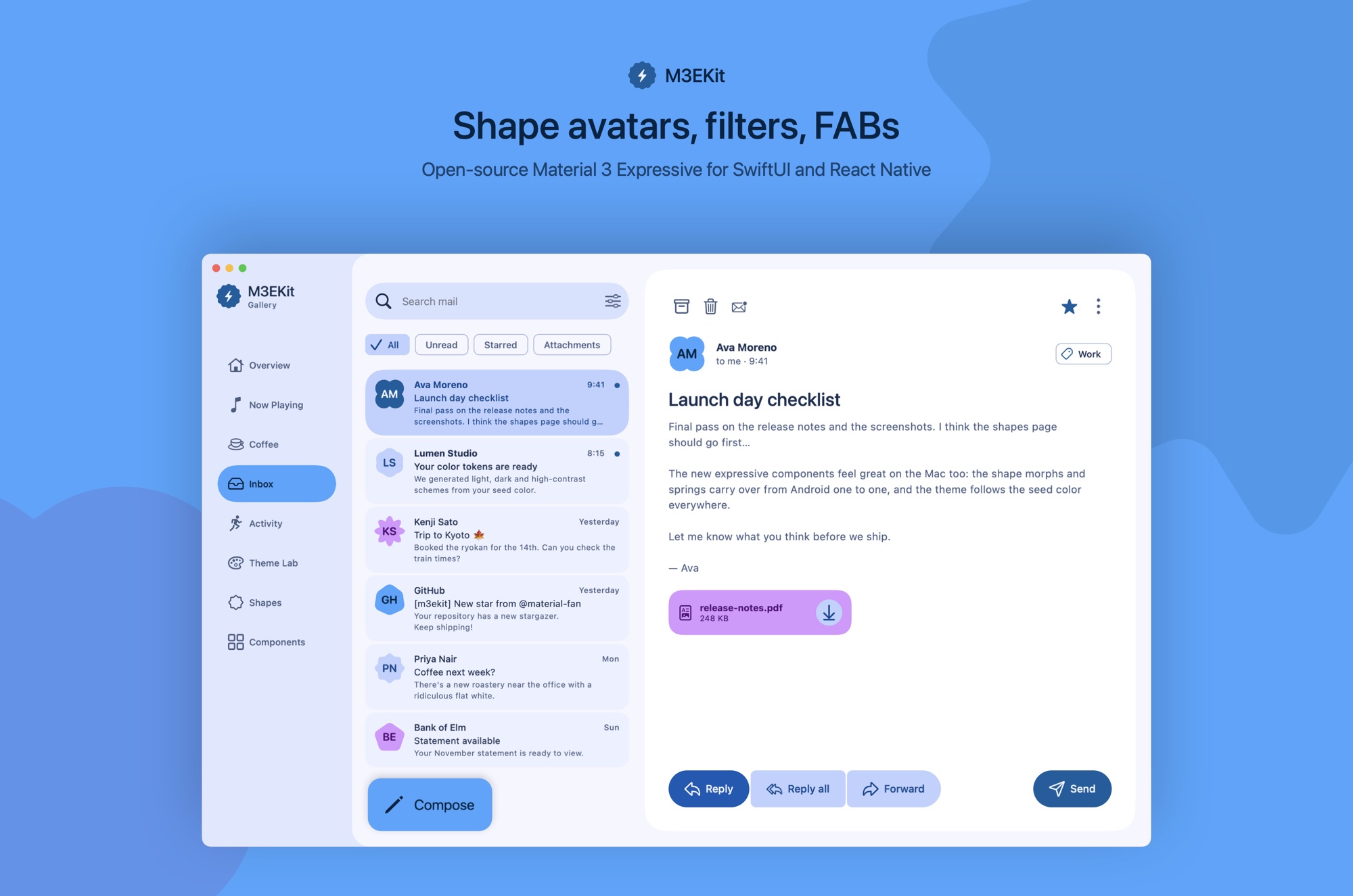
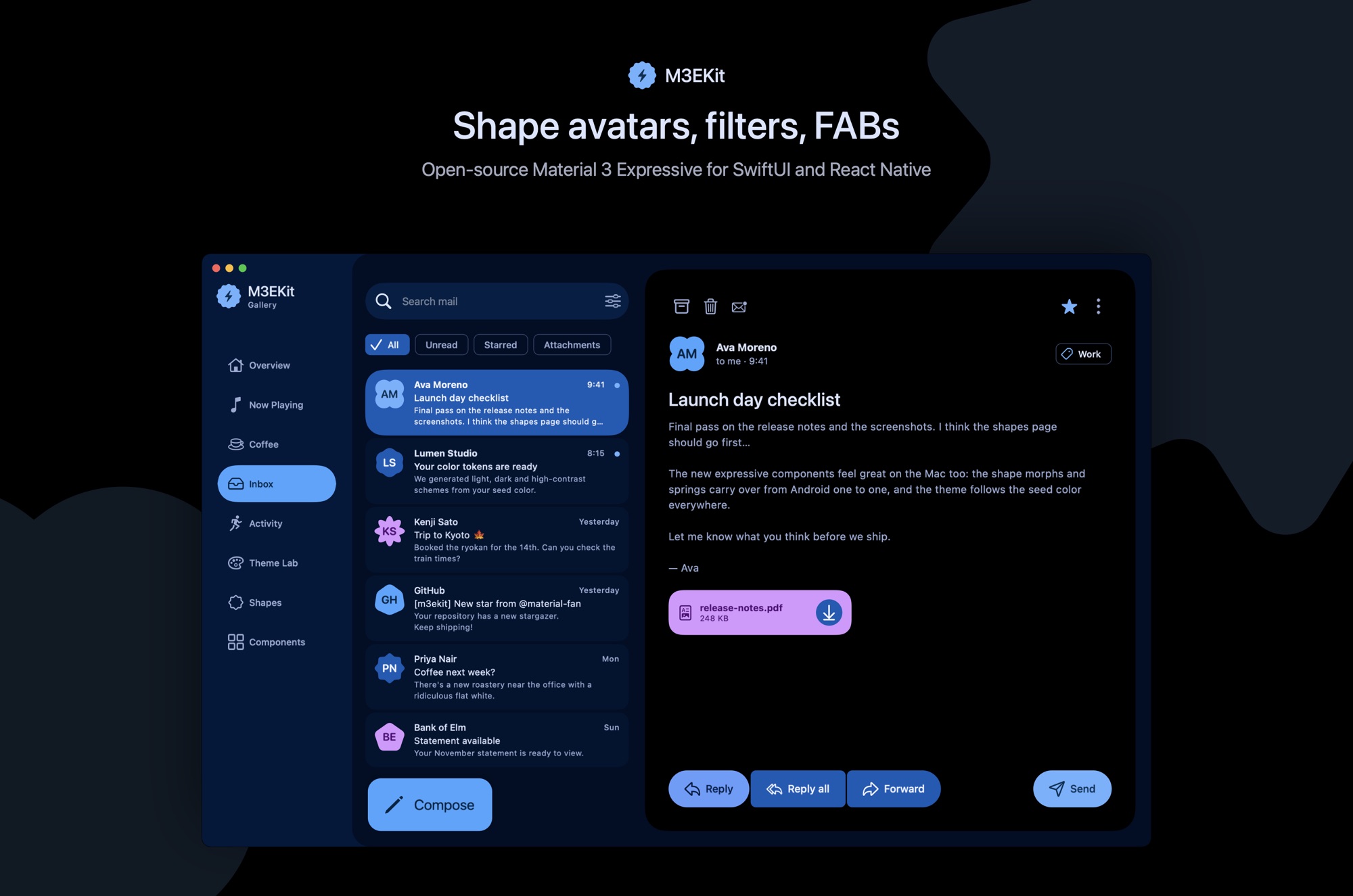
Inbox
Shape avatars, filter chips, an extended FAB, menus and a connected reply group.
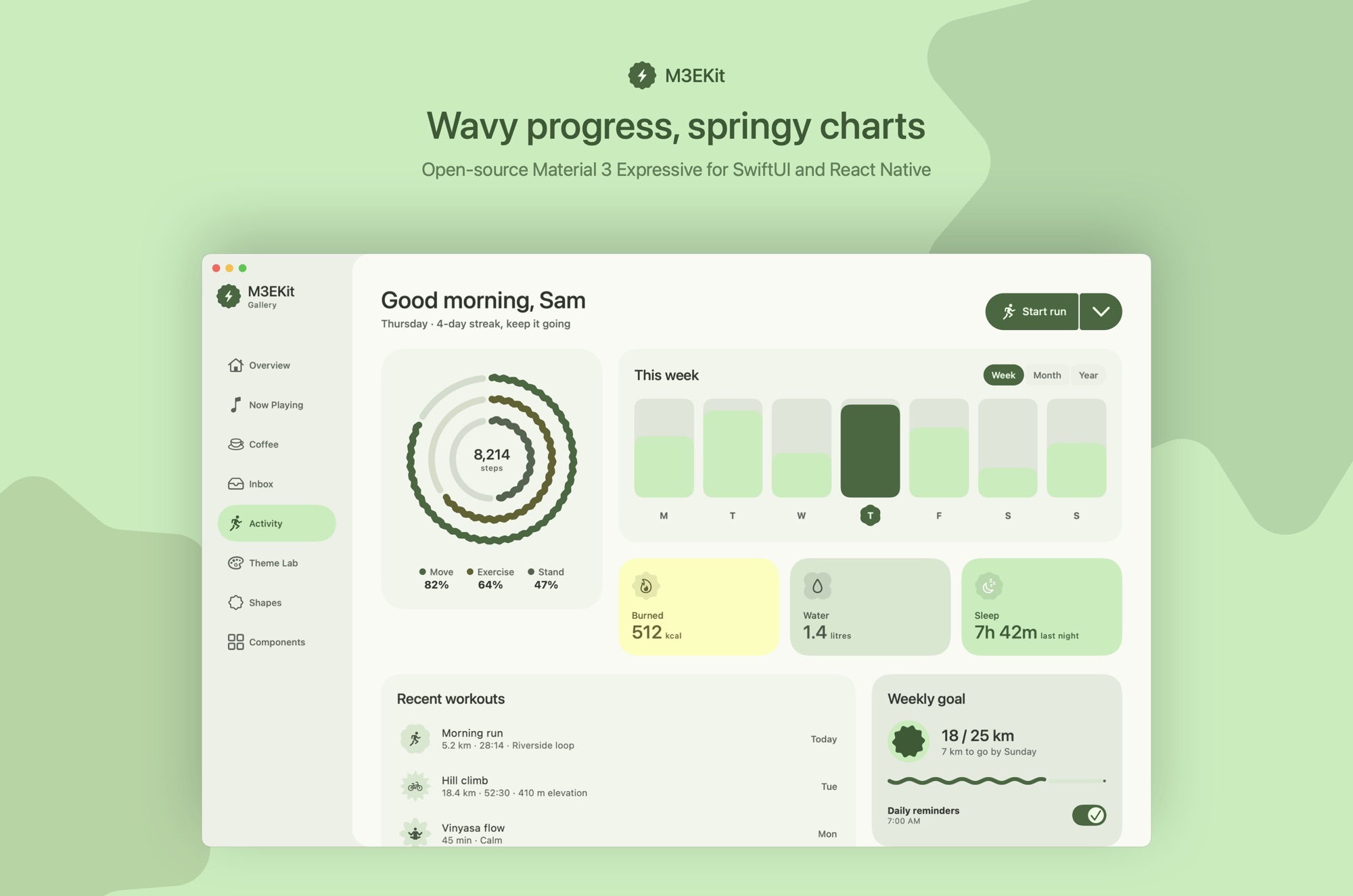
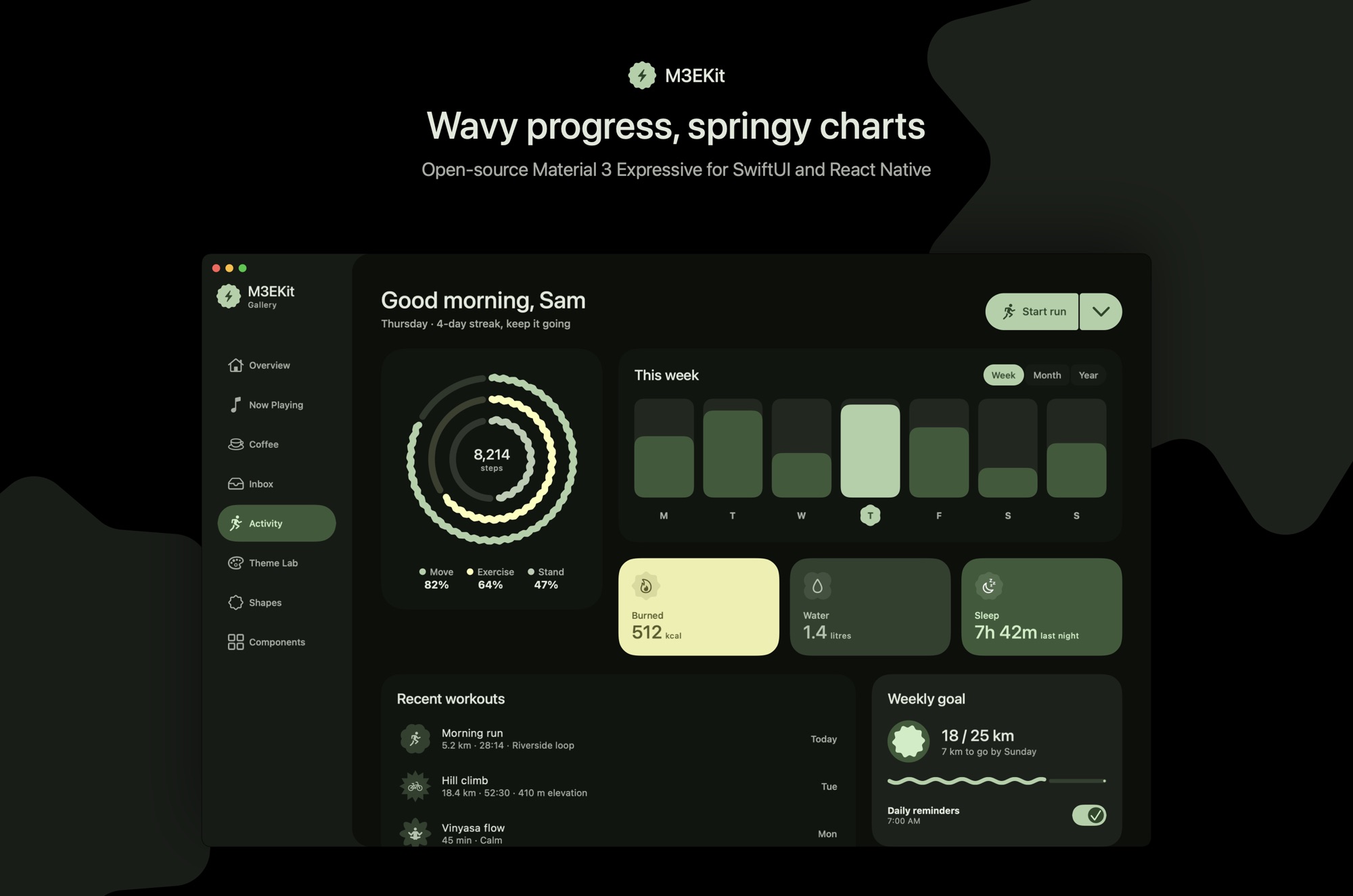
Activity
Progress rings, a week picker and a split button to start a workout.
Build with AI
Hand it to your agent.
Copy-ready integration prompts for Claude Code, Codex, Cursor, Antigravity and any other coding agent: setup, theming, component choices and the rules that keep the result idiomatic.
Get the prompts# prompt · SwiftUI
Integrate M3EKit into this SwiftUI app.
Apply .m3eTheme(seed:) to the root view,
use M3EButton and M3EButtonGroup for actions,
and M3ELoadingIndicator for short waits.
# then: release build, light + dark, list changes